Phaser Classes
This week we focused on learning about phaser classes and their methods, we were tasked with finding and using 5 different phaser classes.
I decided to use the Sprite, Keyboard, Math, Text & Button classes as they are classes I am using in my phaser game.
Phaser.Types.GameObjects.Sprite
This class allows for animated and static images to be put into your game which can be controlled by inputs and have collisions that can be set. They can also have their images affected by other classes such as colour.
Sprite.kill() is useful when having to remove an object from the game, this allows for the games with lots of entities to keep processing power down as the unused entities are removed from the required update list.
Physics.add.sprite() allows for collisions to occur with the sprite and allows for gravity to be applied to the sprite.
player = this.physics.add.sprite(1700, 300, ‘dude1’);
This allows for a player to be initialised on the screen with and animatable image that can be collided with other objects and sprites on the screen.
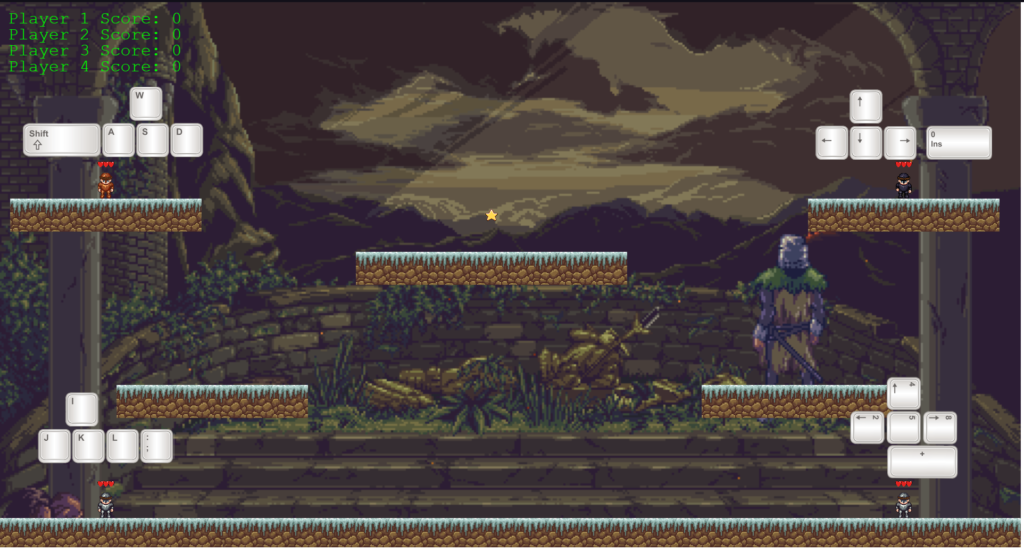
Alongside this I continued to add to my phaser game, making an animated background and adding more players to the game, making it a local multiplayer shoot out game.