Categories
Author: Dechanite
Categories
Week 4 Journal Log 31/10/22
Phaser Classes
This week we focused on learning about phaser classes and their methods, we were tasked with finding and using 5 different phaser classes.
I decided to use the Sprite, Keyboard, Math, Text & Button classes as they are classes I am using in my phaser game.
Phaser.Types.GameObjects.Sprite
This class allows for animated and static images to be put into your game which can be controlled by inputs and have collisions that can be set. They can also have their images affected by other classes such as colour.
Sprite.kill() is useful when having to remove an object from the game, this allows for the games with lots of entities to keep processing power down as the unused entities are removed from the required update list.
Physics.add.sprite() allows for collisions to occur with the sprite and allows for gravity to be applied to the sprite.
player = this.physics.add.sprite(1700, 300, ‘dude1’);
This allows for a player to be initialised on the screen with and animatable image that can be collided with other objects and sprites on the screen.
Alongside this I continued to add to my phaser game, making an animated background and adding more players to the game, making it a local multiplayer shoot out game.
Categories
Week 3 Journal Log 24/10/22
This week we were introduced to Phaser, a JavaScript coding utility. This allowed us to simulate physics and arcade type games.
Bullet Bro’s
Bullet Bro’s is the game I decided to make, it’s a mix of Smash Bros and a Bullet Hell type of game.
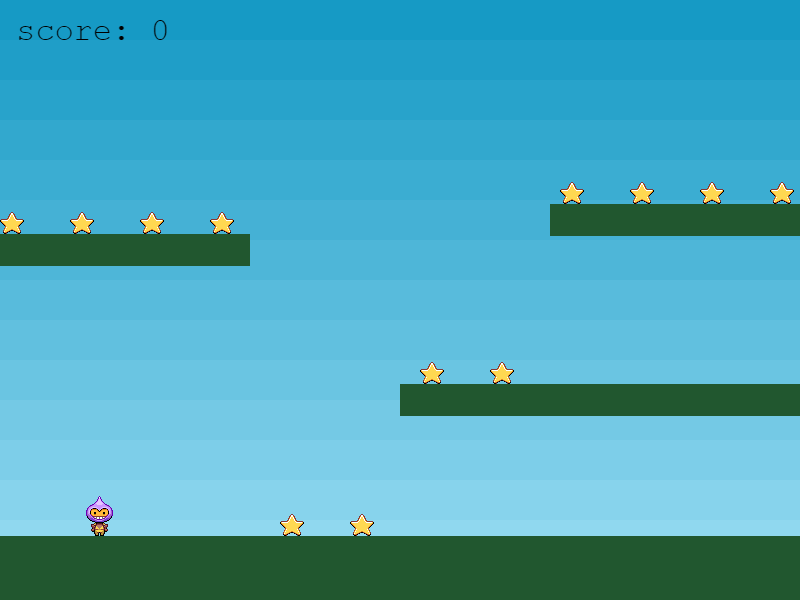
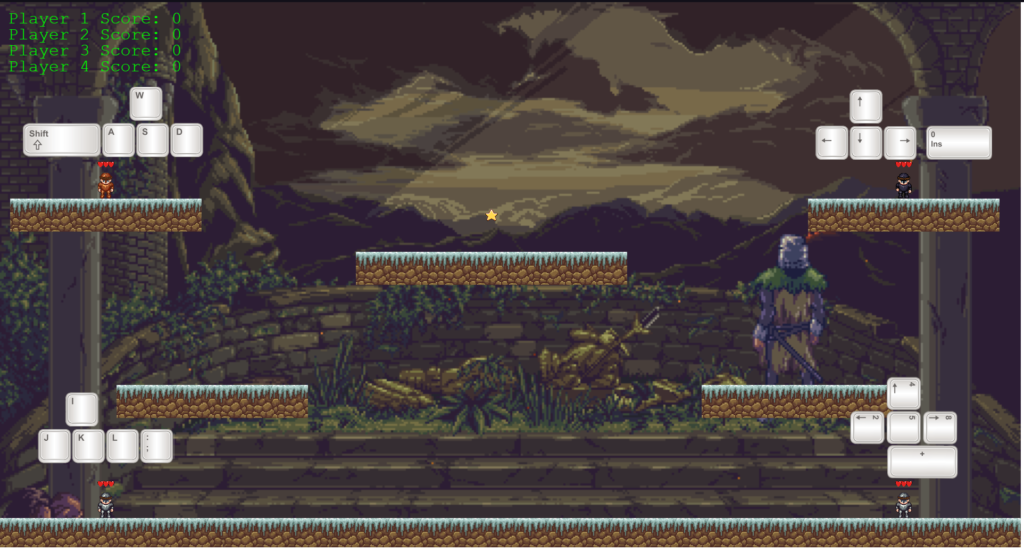
This is my main focus as our deadline is on the 25th of November, I have used the demo to familiarise myself with how phaser works and am currently using the Phaser api to give myself a solid foundation to improve my code and design a working JavaScript game.
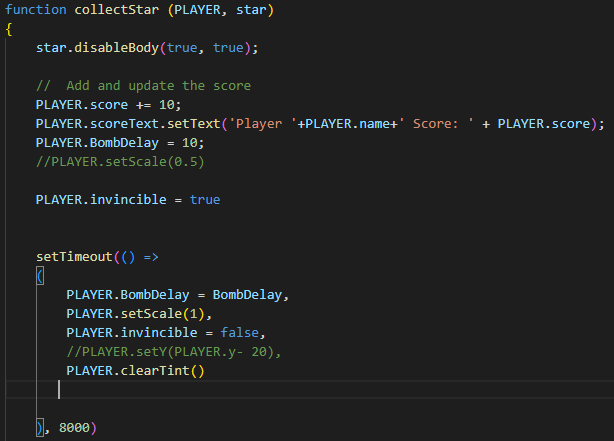
I changed the start to not just give points, but to make the player invincible and give the player a higher shooting rate, this was inspired from Super Mario, and I decided to show that by making the player change colours while the invincibility is in effect.
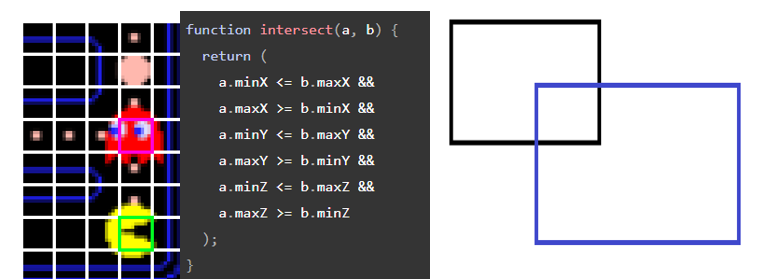
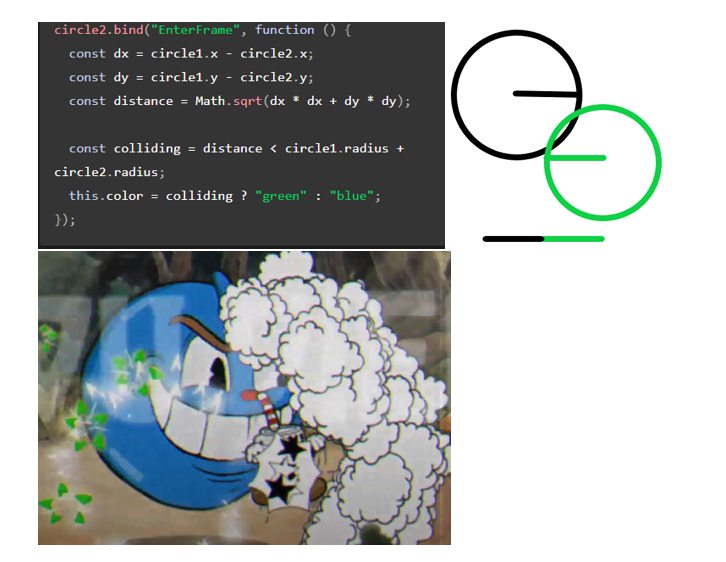
Collision Detection
This week we also worked on using physics on our sprites and collision detection.
Categories
Week 2 Journal Log 17/10/22
Easing Graphs & Animation
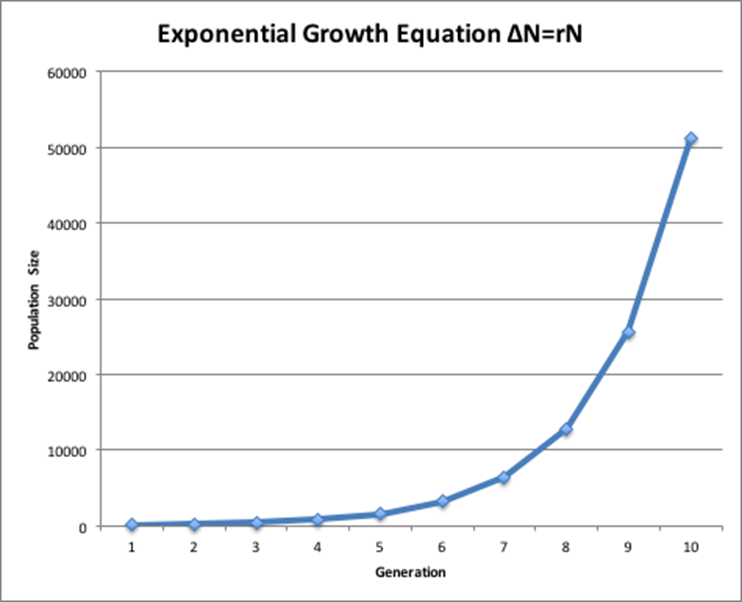
This week we learnt how to use more complex JavaScript code to animate web browsers and use them alongside easing graphs. This meant we could use easing equations to display objects moving around in a more natural fashion, instead of teleporting from one end of the screen to the other side, they would move in a smoother fashion.

We also learnt the difference between Frame Animation & Time Based Animation
An example of this would be 2 objects moving in the same direction, one at 30 FPS, and the other at 60 FPS updating the movement every frame, the 60 FPS object will be moving 2x as fast as the 30 FPS object.
Time based animation however tries to calculate where the object should be every frame based on the time change since the last frame. This means that higher frame rate means more accurate object position calculation. However, lower frame rate can cause a lot of calculation issues and slow down the object.
Categories
Week 1 Journal Log 10/10/22
Learning to use Visual Studio Code to edit html files
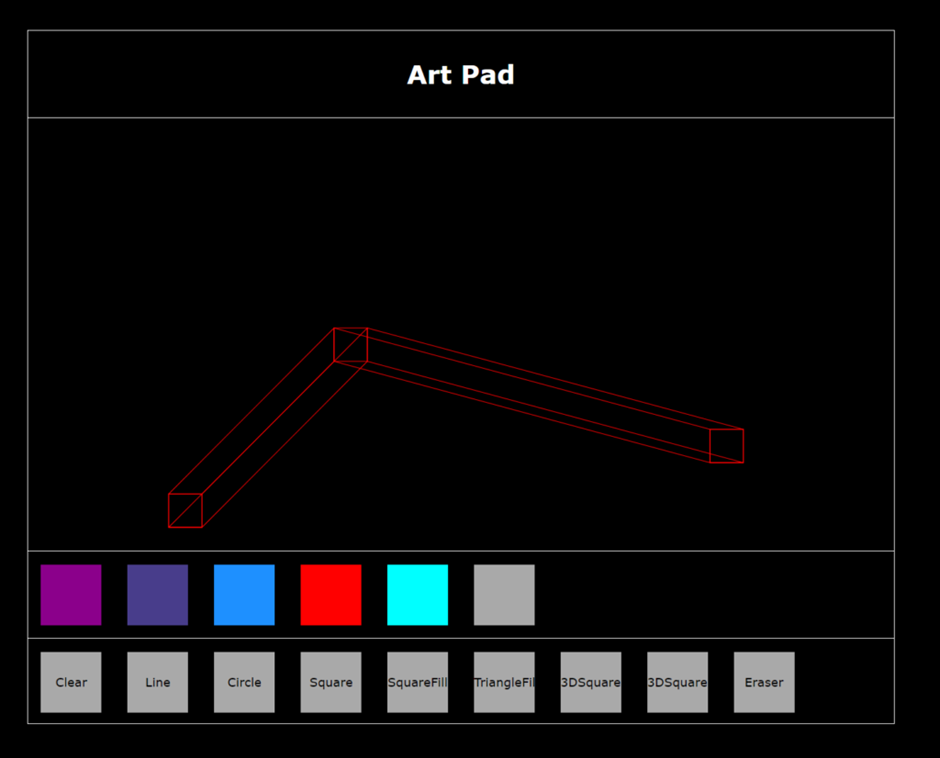
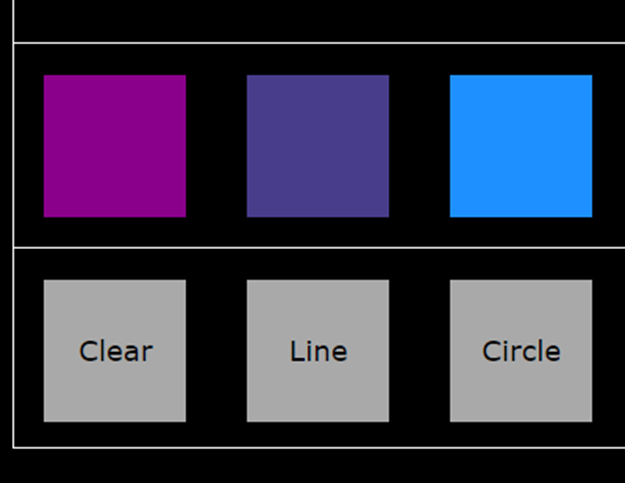
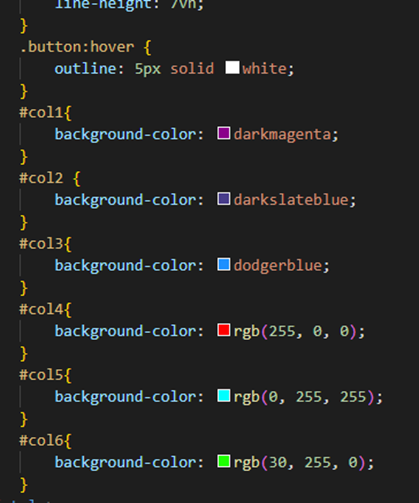
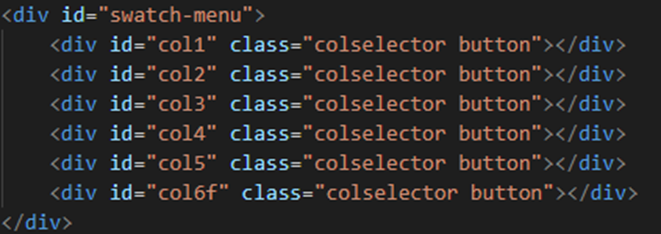
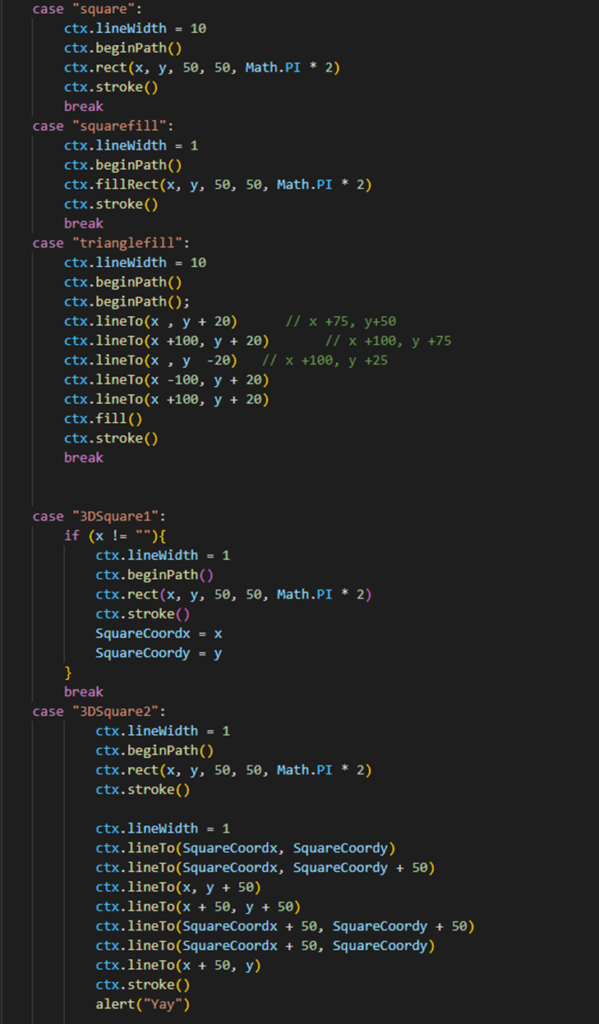
This week we learnt how to use Visual Studio Code to edit an html file of a painting script, we were tasked with editing the file and adding our own modules to change how it worked. This includes changing the colour of the paint being used for the brushes. We were also tasked to make our own brushes and I decided to make a brush that would take two coordinates and create a 3D rectangle between, them as shown below.
At first we started off with just these 3 colours and functions.
https://danielharris.nuacomputerscience.co.uk/Paint/simplepaint.html
Fundamental Task 1
Furthermore, we also started the fundamental tasks. The first task we were tasked with was selecting a game and taking a segment of the game to create as a flowchart, unfortunately we had to simplify the flowcharts as the games I selected had too many variations in what could be checked for at a given moment.
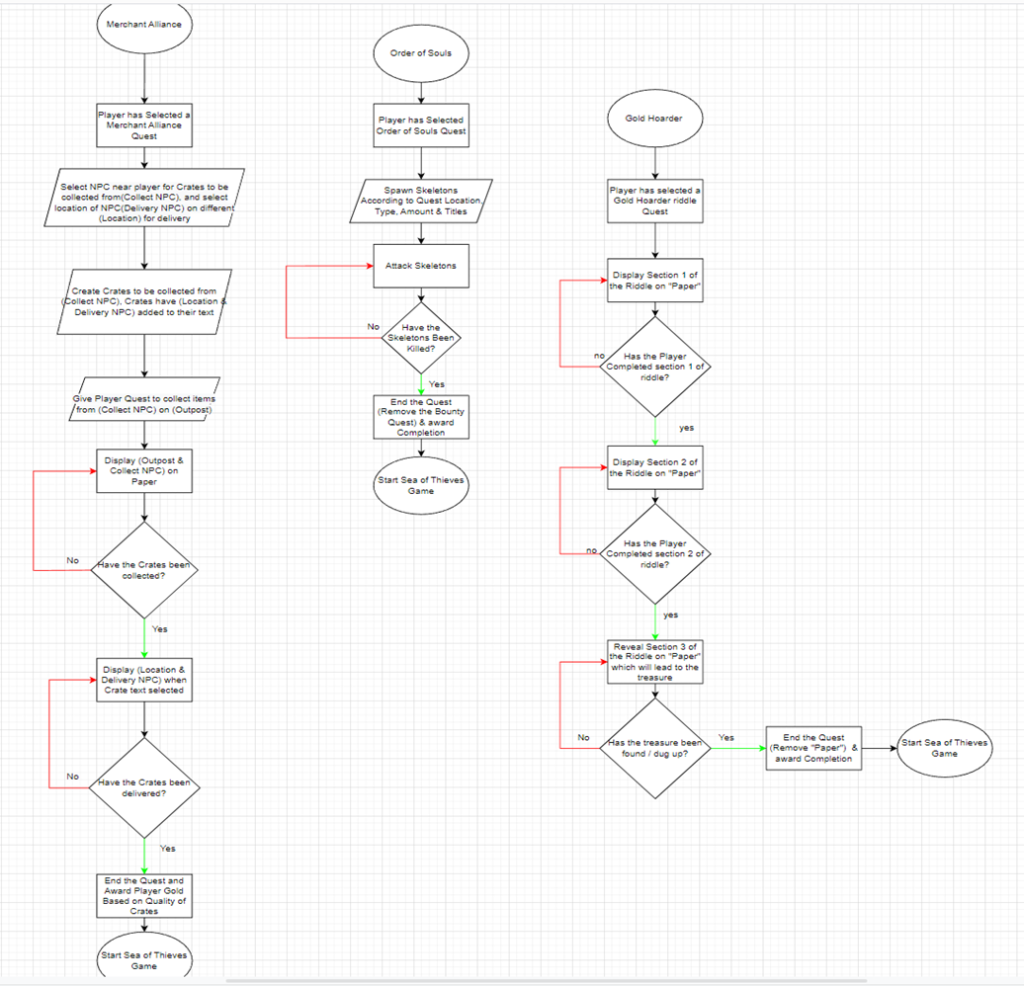
This is a section of Sea of Thieves that allows you to pick up quests and checks for completions.
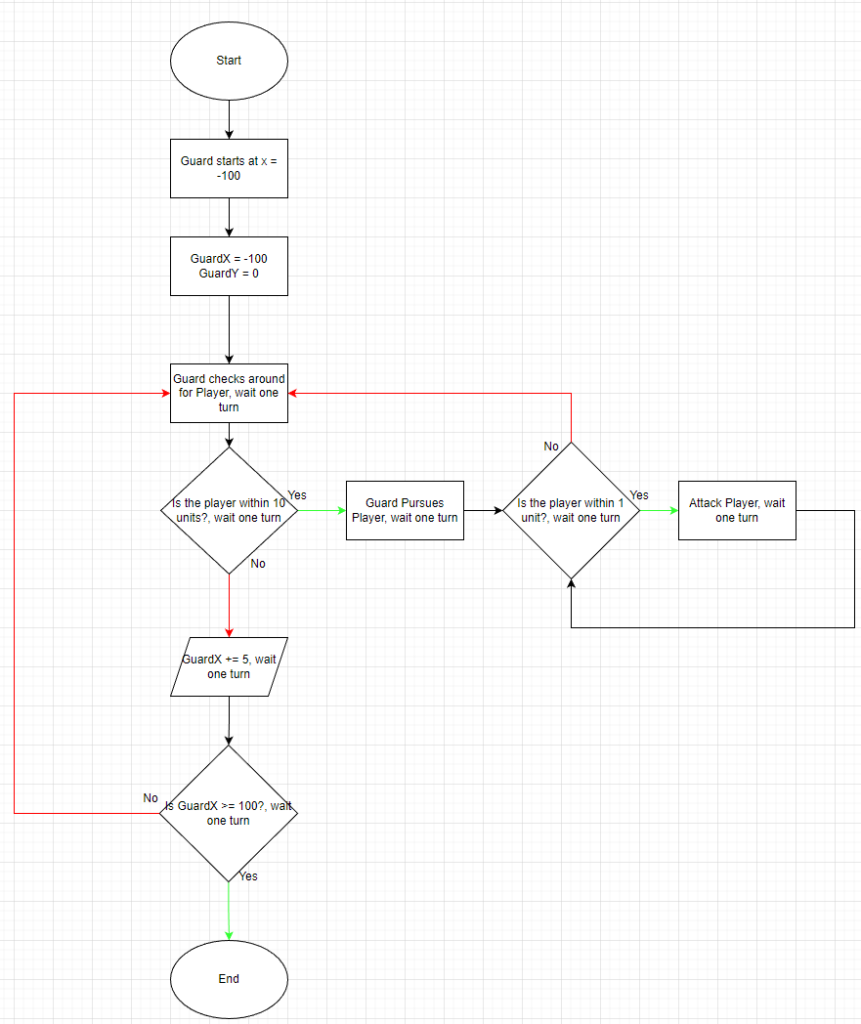
We also had to create a guard flow chart with the following conditions;
“
“A Guard patrols from a leftmost position (-100 units) to a rightmost position (100 units) along the x axis at normal speed (5 units per turn). If a player comes within 10 units of the guard, the guard will pursue them. If the guard manages to get within 1 unit of the player, it will attack the player. When being pursued, If the player manages to move more than 10 units away from the guard, they will forget him and return to patrolling”
This is the flowchart solution I came up with to solve this.